Fujicolor C200 film filter comparison
See the same street photo at 0%, 50%, and 100% in Rollbloom. The 35mm film frame stays the same so you can compare the color and grain.
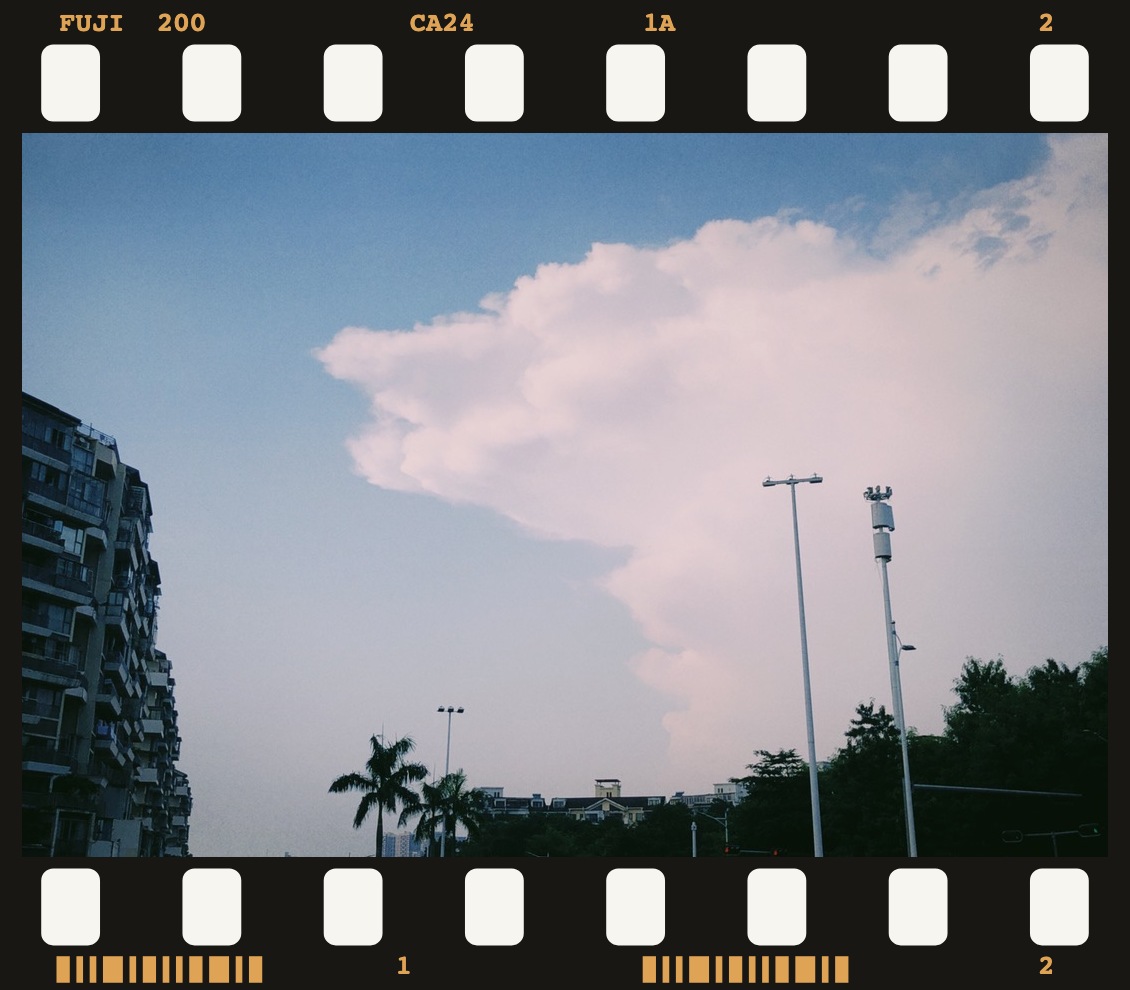
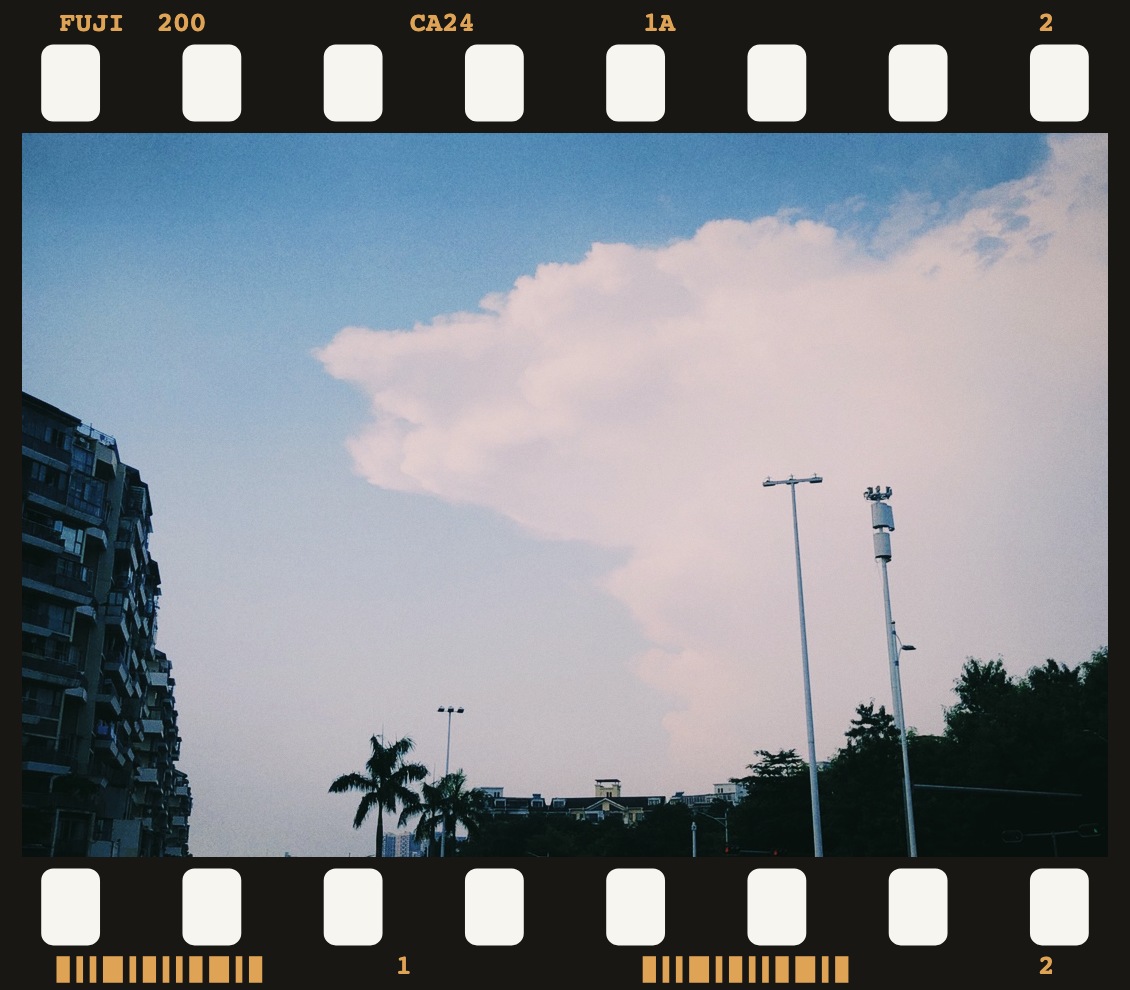
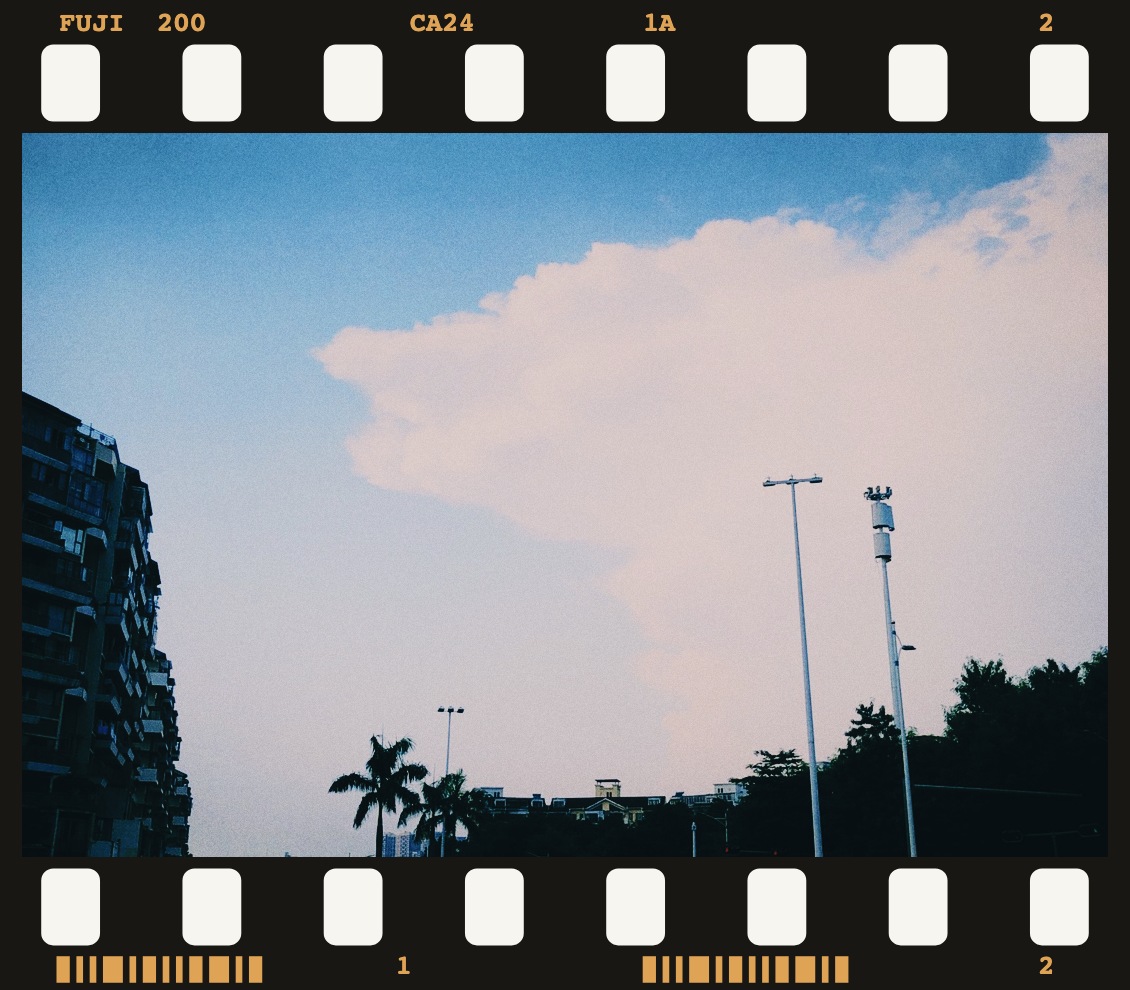
How much C200 filter should I use?
Start at 50% and compare with the original at 0%. The slider blends C200 color with the source and controls the added grain. Move toward 100% for a stronger look.
How do I remove the 35mm film frame?
Turn off “35mm film frame” before saving. When enabled, the frame adds space around the complete photo, so it preserves the composition.
Where are photos processed and how do I save?
Open a JPG, PNG, or WebP photo. Your browser processes it on your device. Click “Save photo” to download a JPEG, or a PNG if the photo has transparency.